> For the complete documentation index, see [llms.txt](https://docs.cymbal.co/help/llms.txt). Markdown versions of documentation pages are available by appending `.md` to page URLs; this page is available as [Markdown](https://docs.cymbal.co/help/landing-pages-and-forms/building-a-form.md).

# Building a Form

## Steps to building a Form:

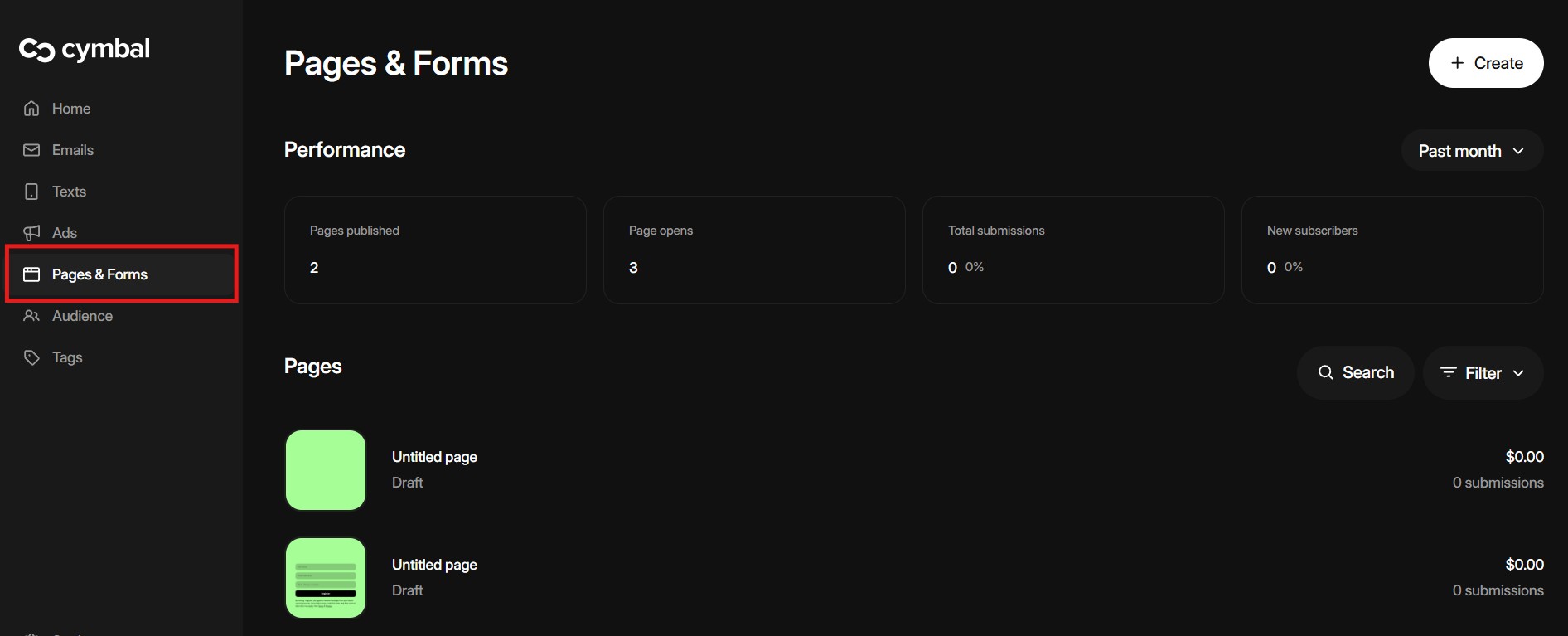
1. Go to the [Pages & Forms](https://manager.cymbal.co/pages) tab

<figure><img src="/files/bxE1D0XE7O9IYJqfG8a6" alt=""><figcaption></figcaption></figure>

2. Click top right on Crete and select a Form
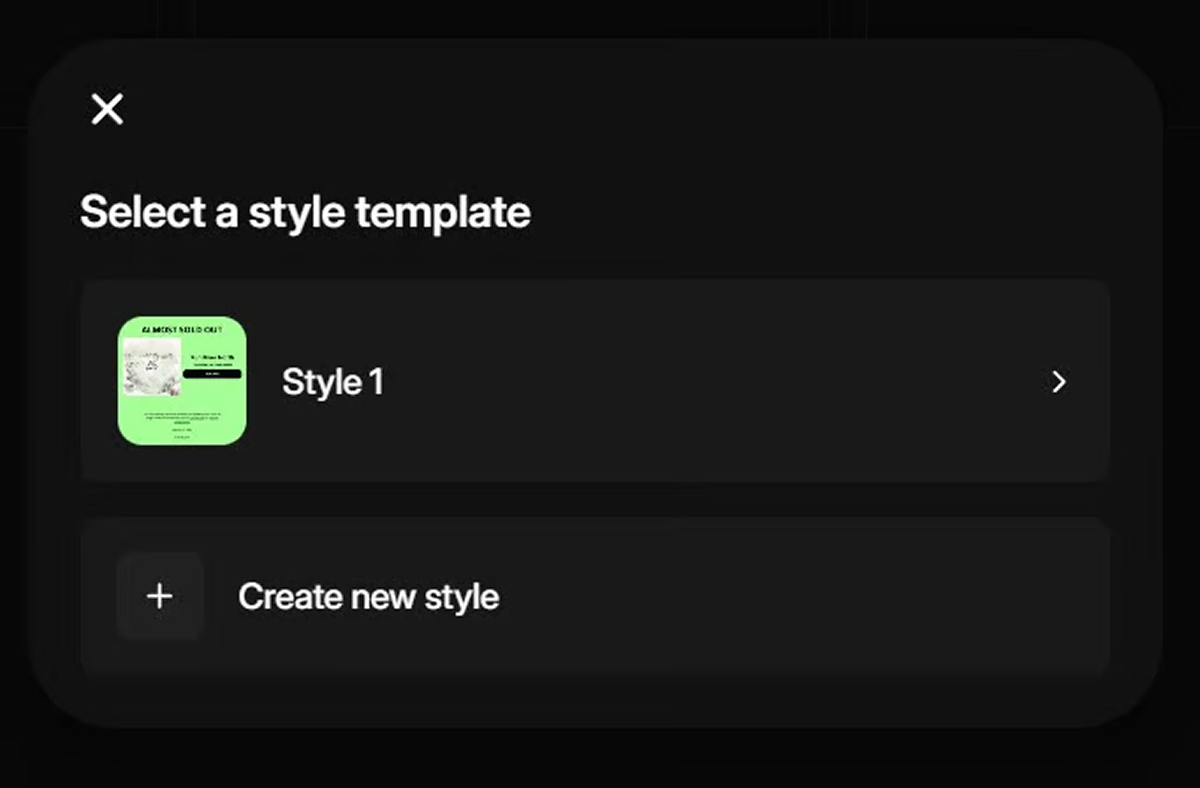
3. Choose an existing style template **or** create a new one

<figure><img src="/files/IrAU3Mco3HhuOjt1AAJD" alt=""><figcaption></figcaption></figure>

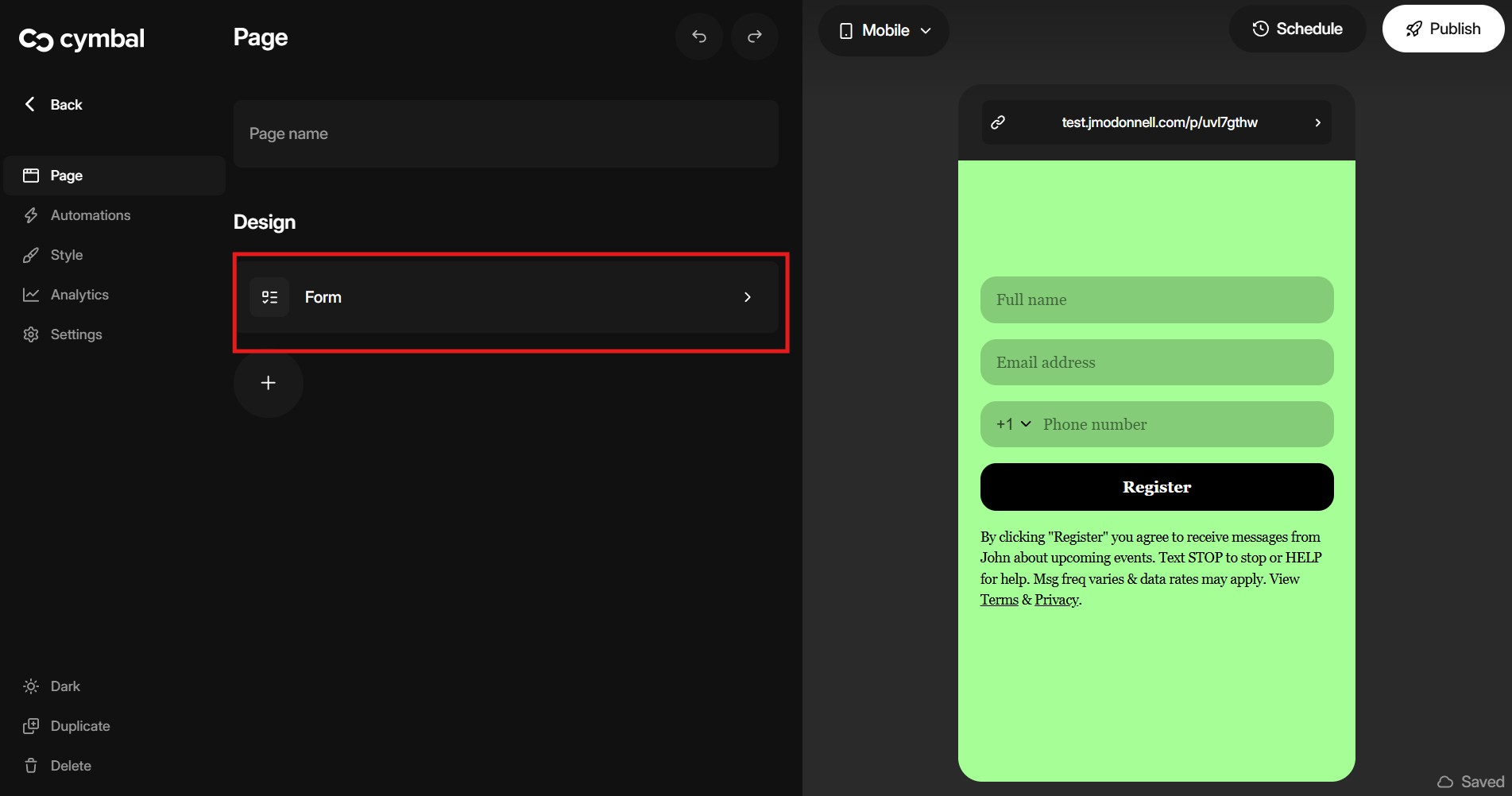
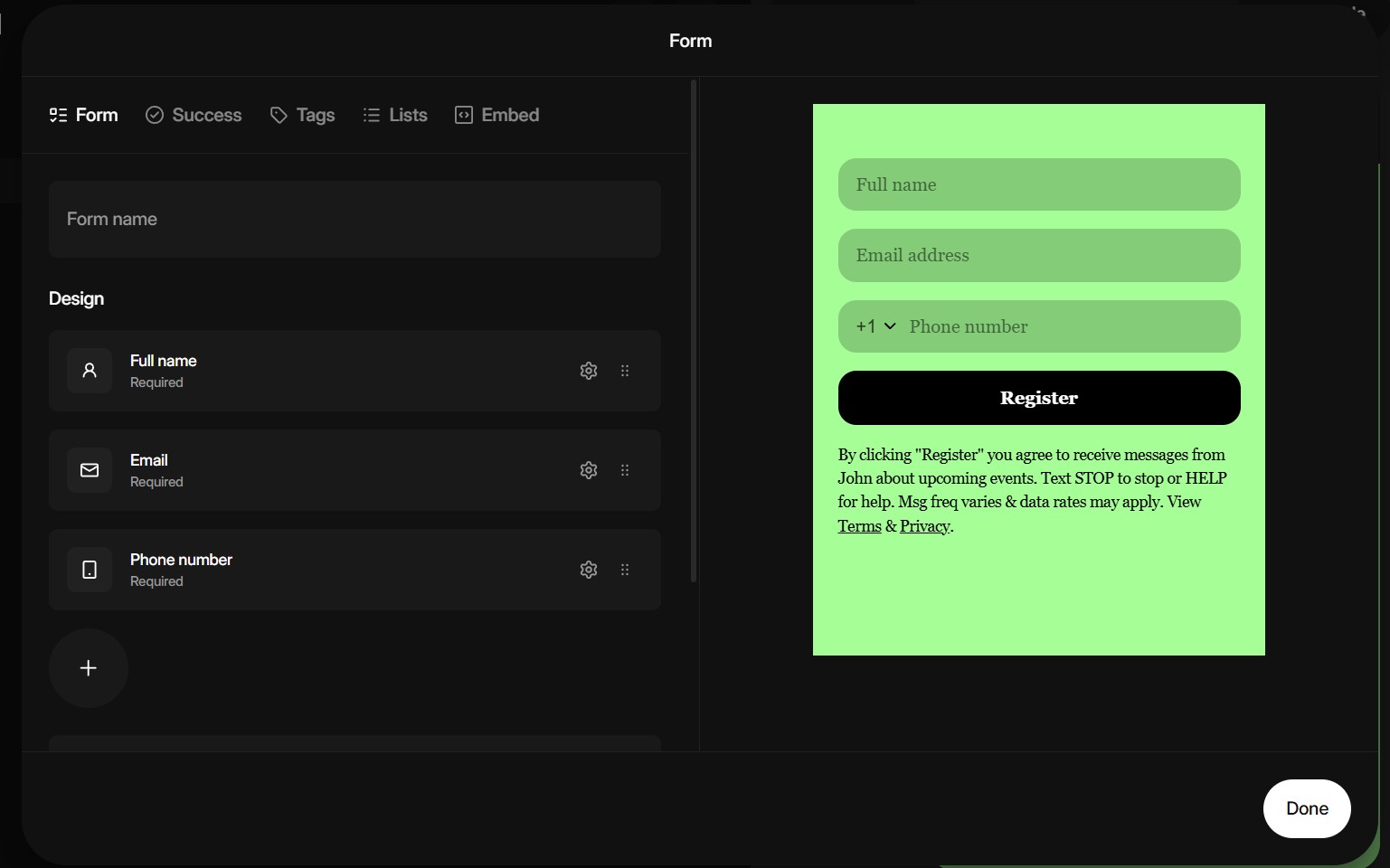
4. To add new **elements** to your form or [embed your form](https://docs.cymbal.co/help/web-tools/embedded-subscribe-form) on to a website click on the form icon under design

<figure><img src="/files/HEyWU52jm0sM2LPYPQzM" alt=""><figcaption></figcaption></figure>

<figure><img src="/files/UVeNQwticn9ykP9fYw8g" alt=""><figcaption></figcaption></figure>

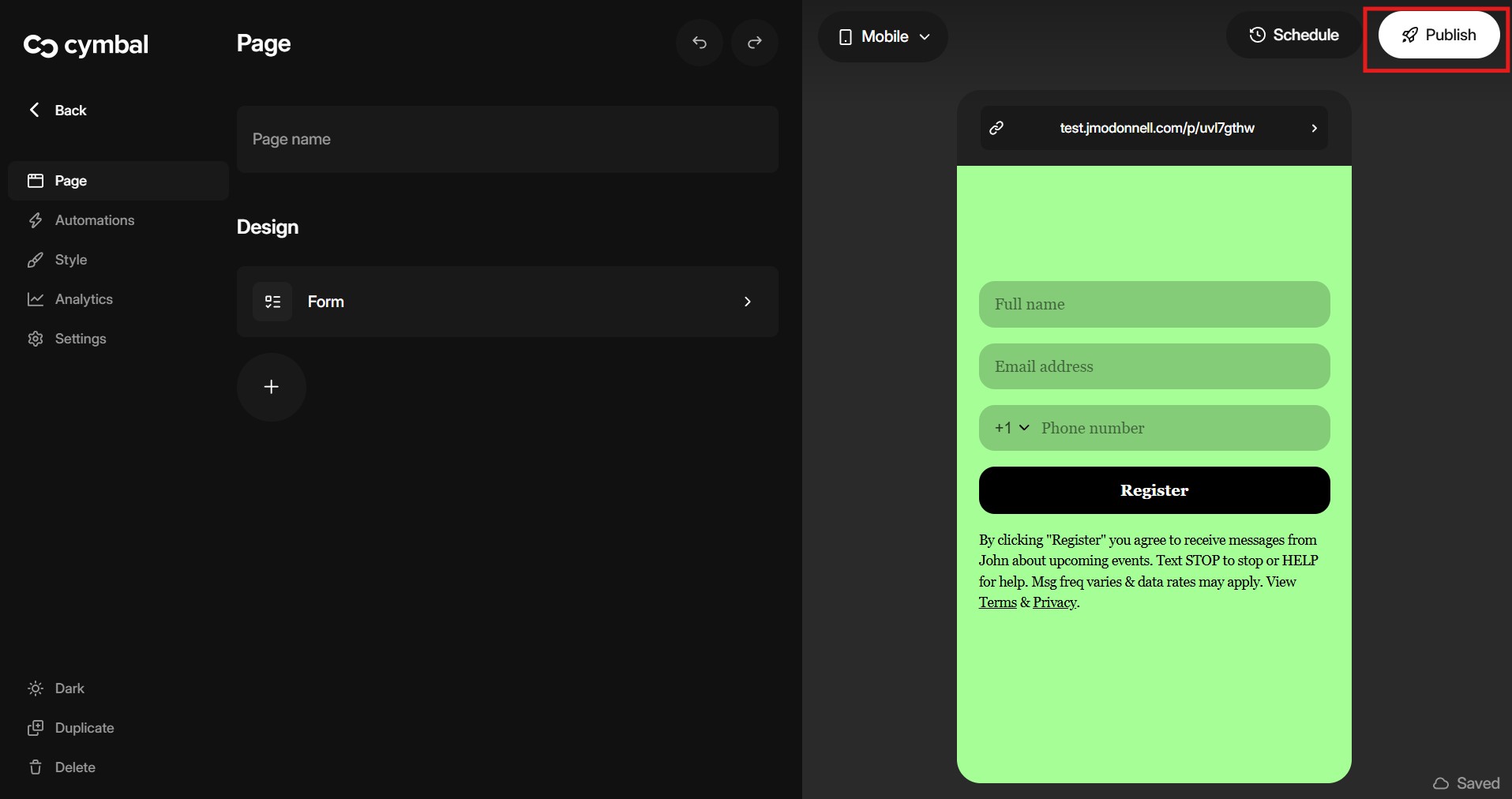
5. When you have finished designing the form click done then publish the form by click in the top right

<figure><img src="/files/ylHZKlvmSebpcYuo7gcz" alt=""><figcaption></figcaption></figure>

6. Your form is ready to be used.