> For the complete documentation index, see [llms.txt](https://docs.cymbal.co/help/llms.txt). Markdown versions of documentation pages are available by appending `.md` to page URLs; this page is available as [Markdown](https://docs.cymbal.co/help/segmentation/audiences.md).
# Audiences
This page goes over how to create audiences and how audiences can be used for effective marketing
Why they're useful:
* Customer control: Public audiences let customers subscribe/unsubscribe themselves
* Preference management: Perfect for organizing contacts by interests or characteristics
* Targeted campaigns: Send relevant messages to specific segments instead of everyone
* Better engagement: More targeted = higher open rates and conversions
## How to Create an Audience
In order to create new audiences:
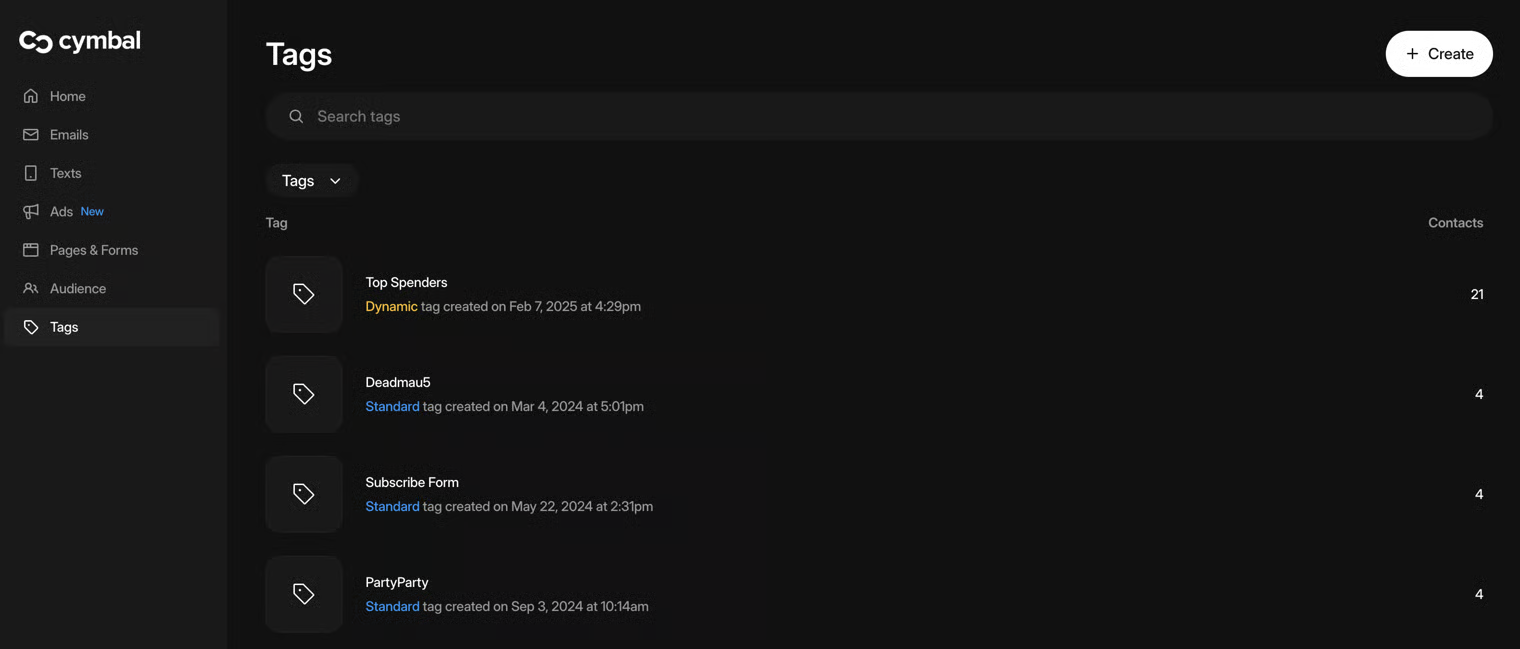
1. Navigate to [Tags](https://manager.cymbal.co/tags):
2. Hit the "Create" button in the top right hand corner
3. Click "Create an audience".
4. Give the audience a name and description:
1. Select whether you want a "Public" or a "Private" audience
2. Toggle whether to import ALL current contacts to this audience or not
3. Click Create!
5. Created Audiences can be found in the Audience tab
***
## How to use an Audience in Cymbal:
Audiences are powerful tools for organizing and targeting your audience effectively. How to use audeinces:
* Add contacts during CSV uploads and choose whether to make them public or private
* Use them in our targeting modal to send campaigns to specific groups
* Combine with other filters using AND/OR logic for precise targeting
* Access through our API using the list\_id (found in your Audience tab URL)
### Example: Using an Audience in a Form
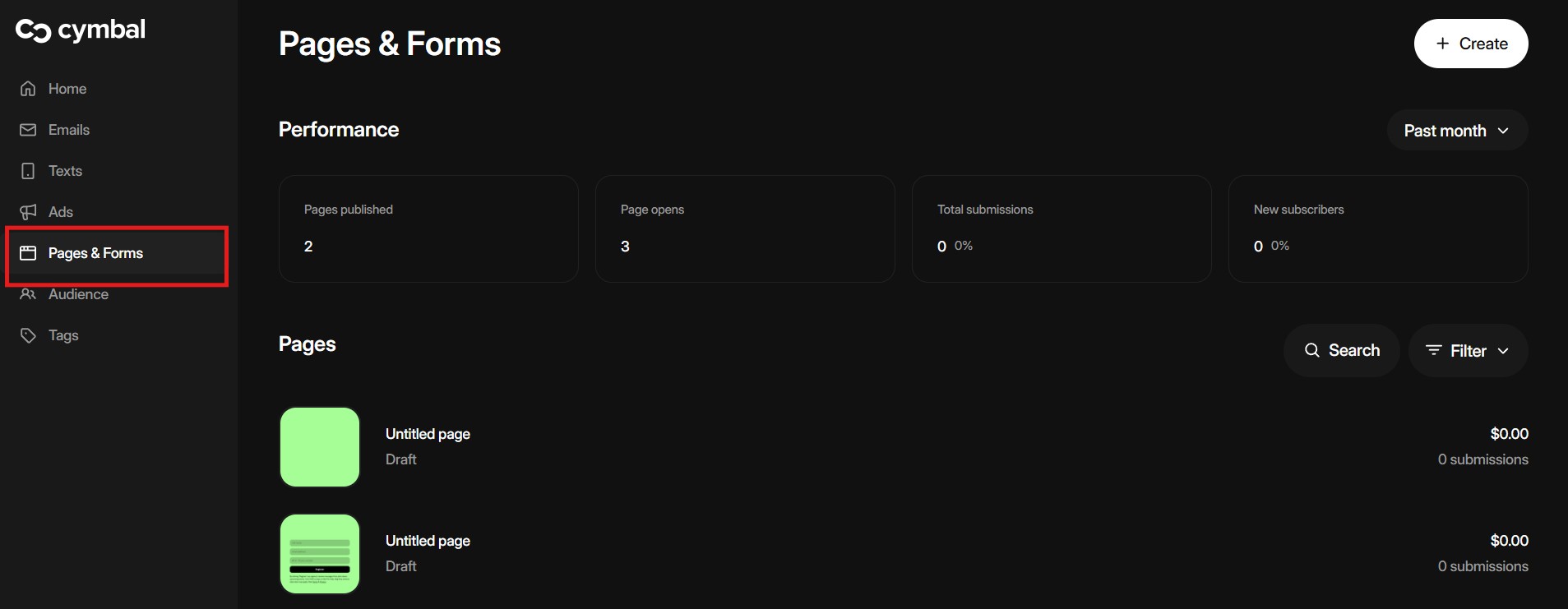
1. Navigate to [Pages & Forms](https://manager.cymbal.co/pages)
2. Click into an existing form or create a new form
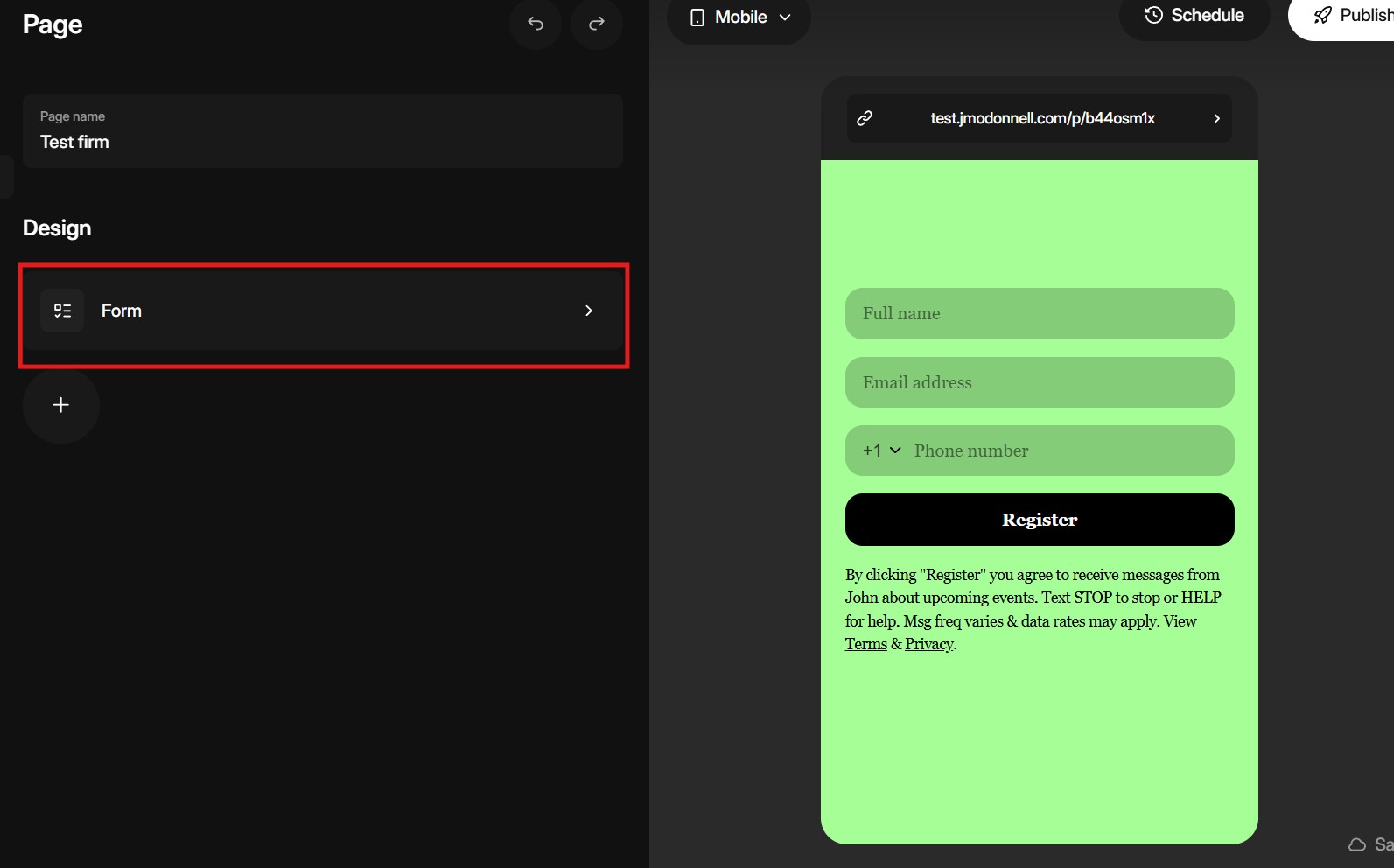
3. Once in the form select the form editor
4. Once the editor is open select "Audiences" from the option bar
5. Select which "Audience" you'd like to sort new contacts who fill the form out into
6. All submissions from the form will be subscribed to your audience. You can now use this audience for more targeted marketing campaigns.